1
Wipe / Reveal
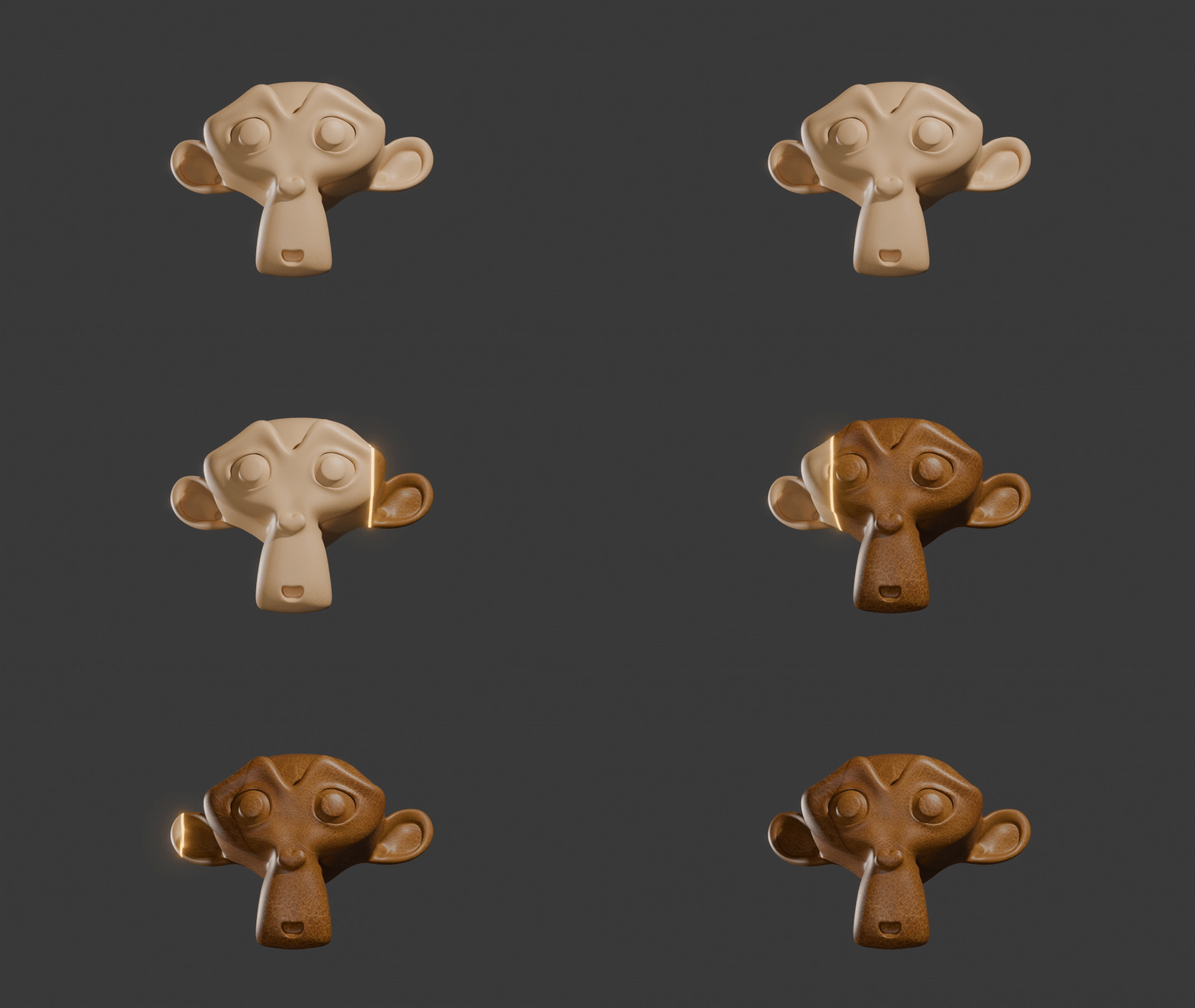
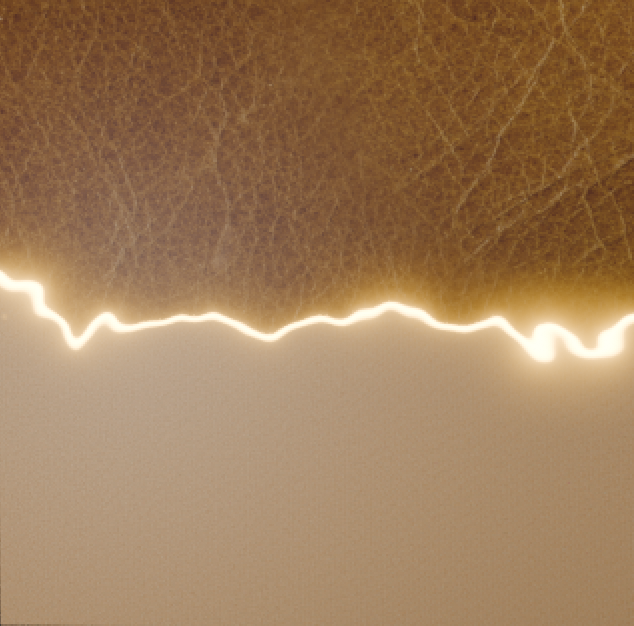
A sharp, directional transition line. Perfect for scanning effects, sci-fi shields, and geometric reveals.
Revolutionize your workflow. AnimTex creates complex, driver-driven transitions between any two materials or textures in seconds.
Early Access
Discount automatically applied. No code required.
Limited Availability
The Core Engine
Choose the perfect behavior for your effect.
A sharp, directional transition line. Perfect for scanning effects, sci-fi shields, and geometric reveals.
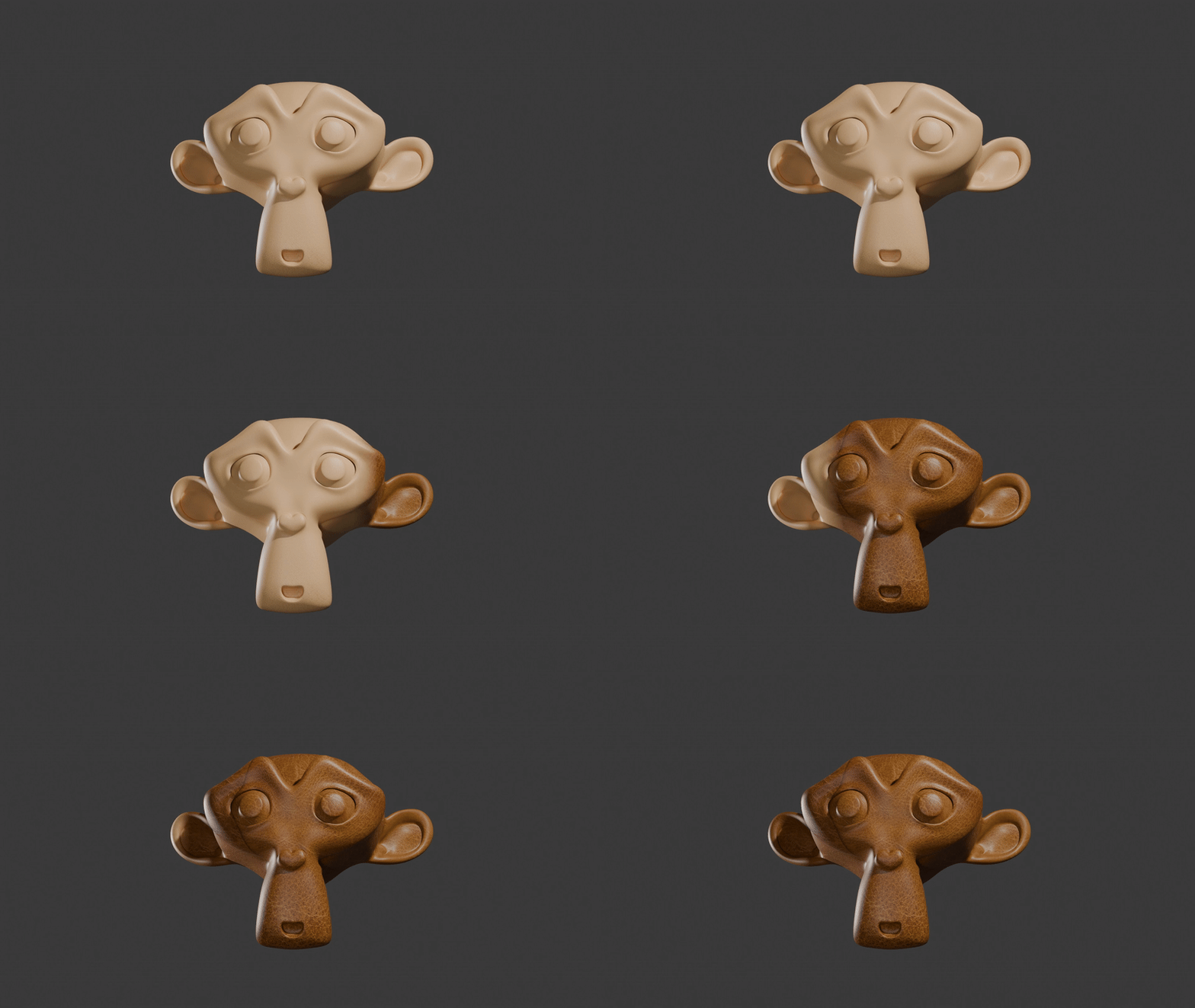
A smooth, gradient-based cross-dissolve. Ideal for subtle texture changes, aging effects, and organic morphs.

Transition from transparency to full opacity. Create ghosting effects, hologram activations, and object materialization.
Procedural Library
Don't settle for boring linear gradients. AnimTex includes a diverse library of procedural noise patterns to break up your transition lines.
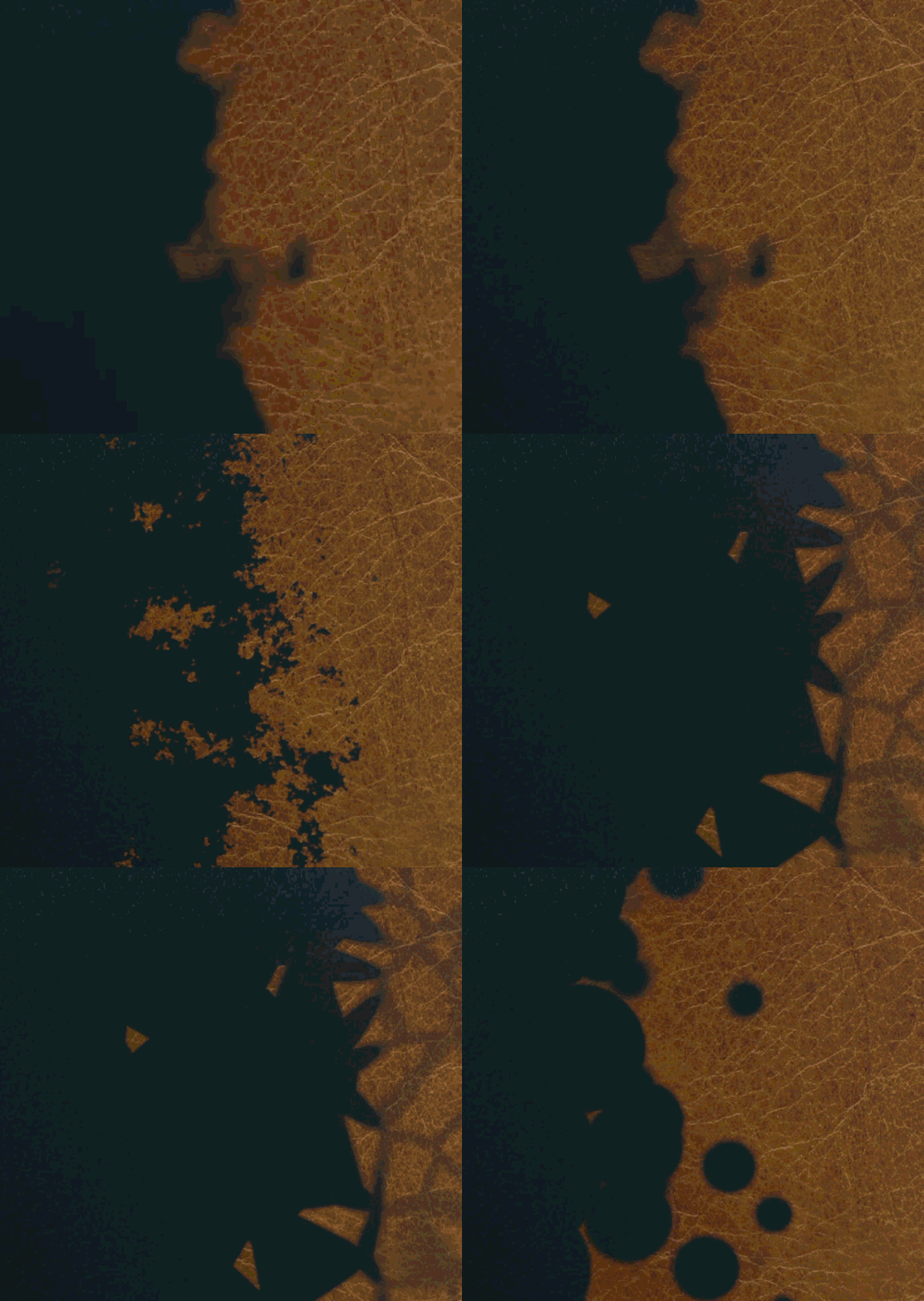
Each pattern comes with exposed parameters like Scale, Detail, Distortion, and Roughness directly in the N-Panel.
VFX Suite
Turn a simple transition into a visual spectacle with built-in effects.
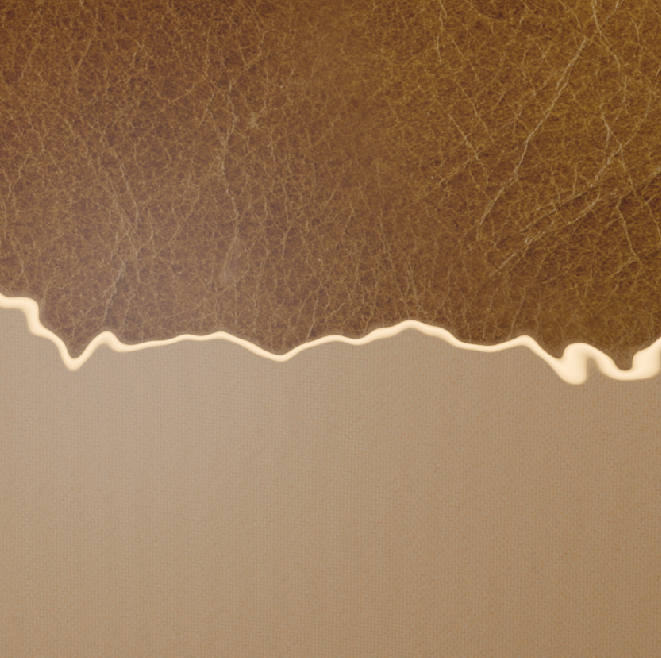
Generates a dynamic line of transition. Fully customizable color, width, and strength. The emission strength directly drives the intensity of the glare effect.
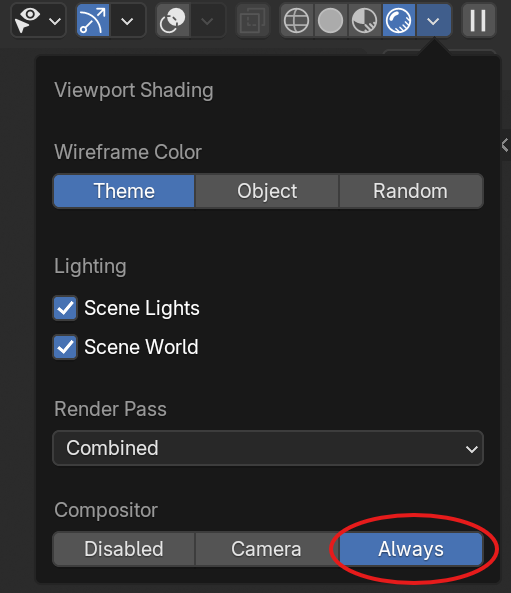
No need to open the Compositor. AnimTex automatically sets up a Glare node pipeline to make your emission line bloom.
Input Flexibility
Two ways to build your transitions, depending on your complexity needs.
Best for: Simple Texture Swaps
Directly blend between two image textures. AnimTex automatically sets up the Principled BSDF nodes for you.
Best for: Complex Shaders
Deep-copy full node trees from existing materials. AnimTex preserves your complex node groups, drivers, and custom logic.
Animation System
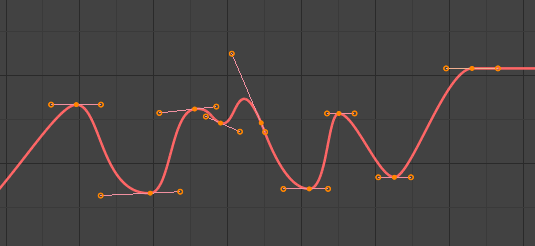
Forget the Graph Editor. AnimTex handles the motion for you.
Check "Auto Keyframe" and hit GO. AnimTex creates the start and end keys automatically.
Choose from Linear, Bezier, Bounce, Elastic, Back, and more directly from the UI.
Compatibility
Built for the latest Cycles and Eevee Next engines.
Changelog
Blender 5.0+ Support
Updated for the newest Blender API. Significant performance improvements for complex node trees.
Maintenance Update
Critical bug fixes and stability improvements for Blender 4.5.2 LTS.
Initial Release
Public launch of AnimTex.
The Mechanism
Simple, intuitive control using standard Blender tools.
AnimTex creates a standard Blender Empty object called AnimTex_Controller. This invisible helper acts as the anchor for your transition.
The shader calculates the distance from this Empty object. As you move the Empty in 3D space, the "zero point" of the transition moves with it.
Move to slide the wipe.
Rotate to angle the transition.
Scale to adjust the gradient falloff.
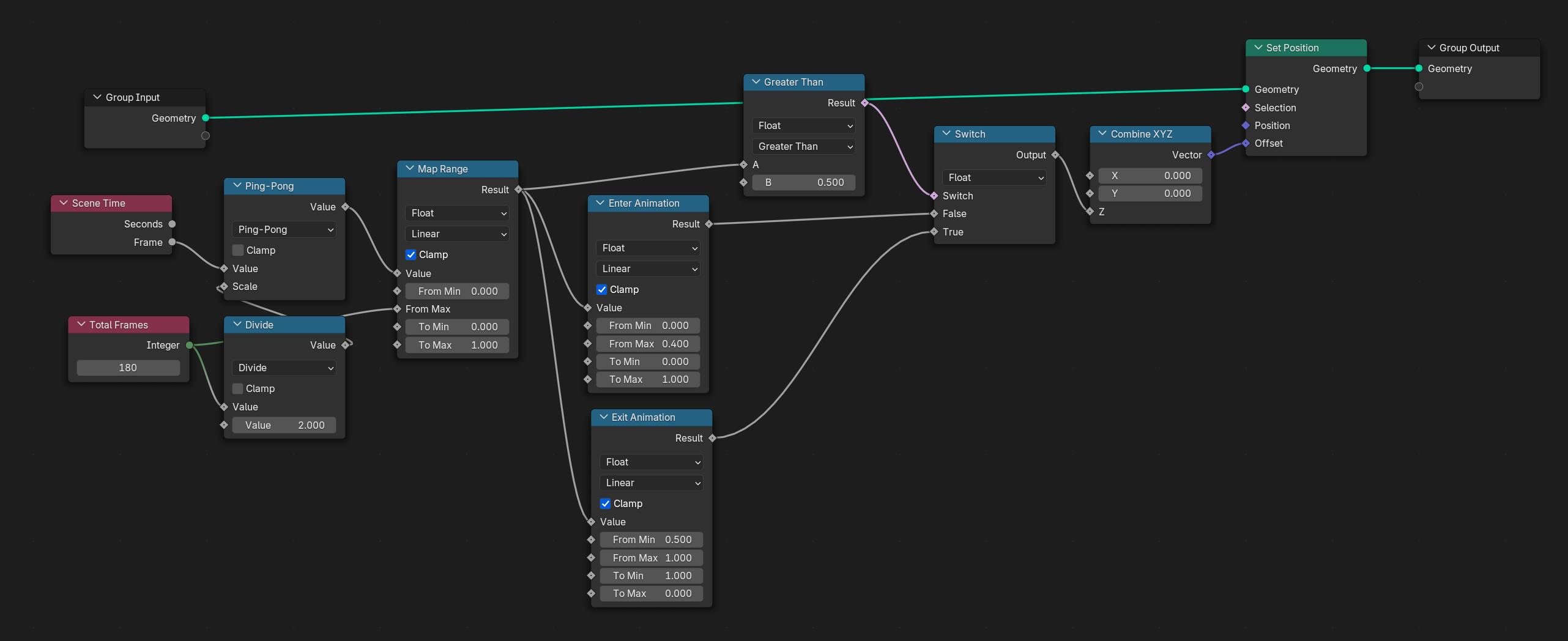
Stop fighting with nodes. AnimTex gives you a high-level control system that handles the math for you, so you can focus on the art.
Change any parameter at any time without breaking your setup.
See your changes instantly in the viewport.
Real-World Applications
Designed for VFX artists, Motion Designers, and ArchViz pros.
Create cloaking fields, hologram activations, and shield impacts using Voronoi and Magic noise combined with the Emission Line.
Instantly swap wall materials (e.g., clean to dirty, brick to plaster) using Material Deep Copy to blend complex node trees seamlessly.
Design retro kinetic typography and logo reveals using Halftone, Diagonal, and Radial patterns with Elastic interpolation.
Showcase internal components with X-Ray effects using the Reveal from Transparent mode and Caustic noise patterns.
Interactive Demo
Hover over any element to see what it does. Click buttons to interact.
(Wipe: Any direction works!)
Technical Specifications
Everything included in version 1.0.8
Comparison
| Feature | AnimTex | Standard Nodes | Other Addons |
|---|---|---|---|
| Performance | Real-time | Slow | Varies |
| Looping | 1-Click | Manual Math | Complex |
| Setup Time | Seconds | Minutes | Minutes |
Pricing
No subscriptions. No hidden fees. Just a great tool for your workflow.
Beta Access
Available in SuperHive Market
Get Started
Up and running in less than a minute.
In Blender, go to Edit > Preferences.
Navigate to the Add-ons tab in the sidebar.
Click the dropdown arrow (top right) and select Install from Disk.... Choose the AnimTex_v1.0.5.zip file.
Create animated transitions between two textures using an Empty object.
Search for "AnimTex" and check the box to enable it. You're ready to go!
We donate directly to the Blender Foundation Development Fund.